Lora Manager
TAB - Search
Provide a short summary of your recent projects, highlighting the most important things.
Organization of LoRAs
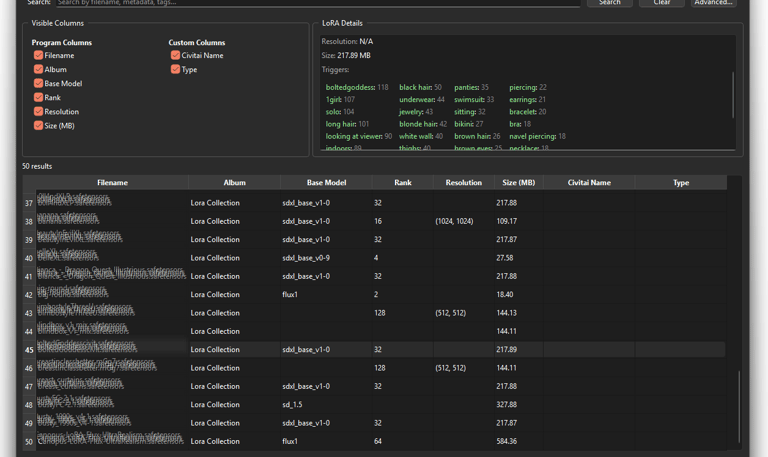
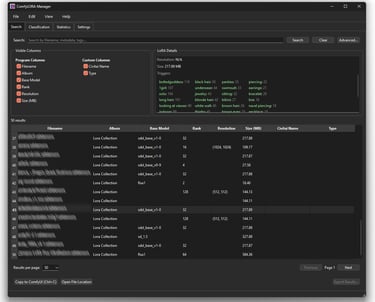
This page contains tools for sorting, filtering, accessing metadata, and associating custom columns. Use a word, tag, trigger, etc., or combine these with advanced search to quickly find the file you are looking for.

Interface customization, performance, etc.
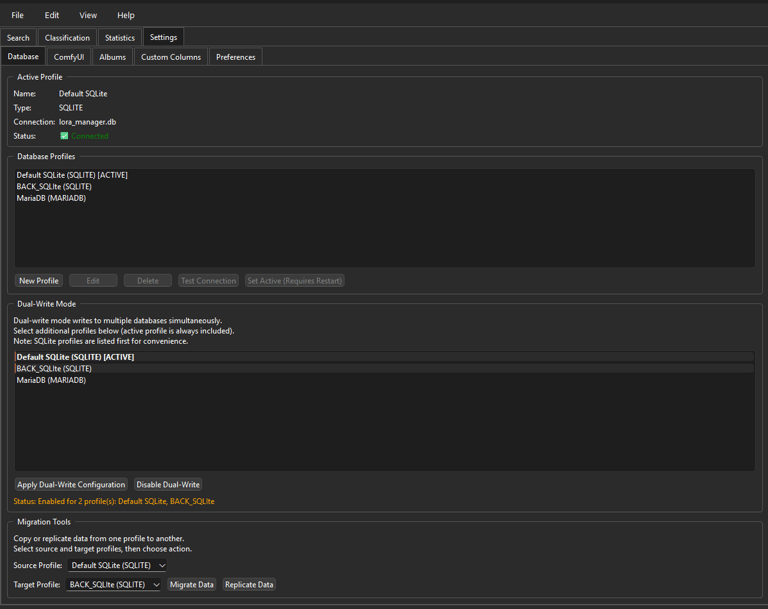
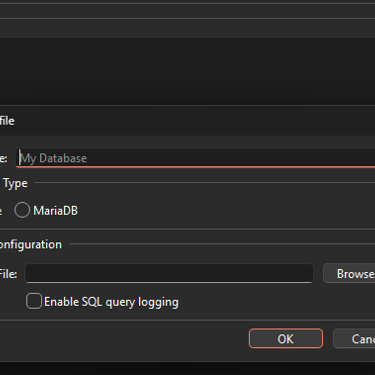
For efficiency purposes, information is stored in a database (SQLITE, MariaDB). To secure your data, the solution allows you to write in ‘Y’ mode (to two databases at the same time) as well as replication and synchronization between two databases.
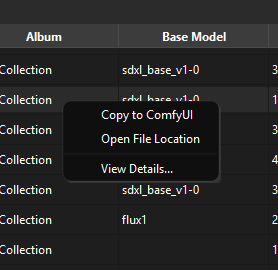
right button, context menu

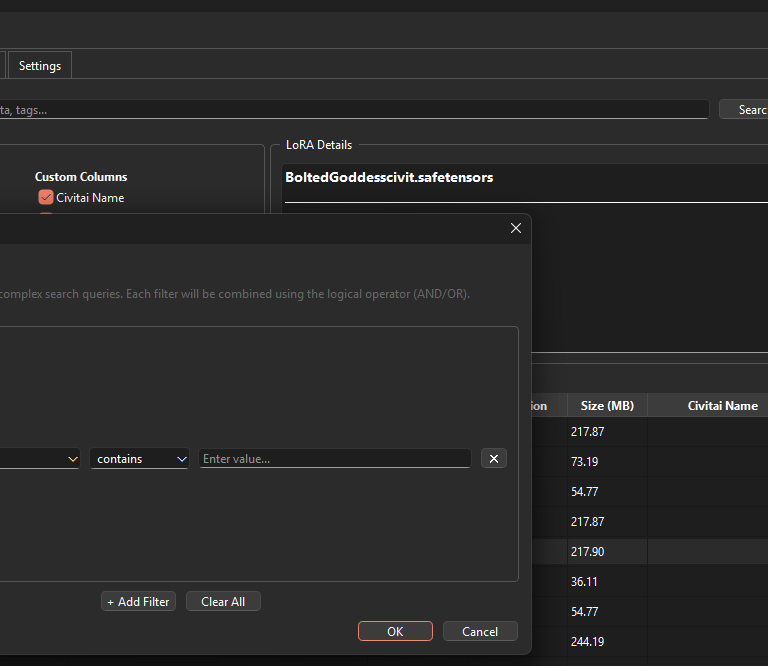
advanced search engine
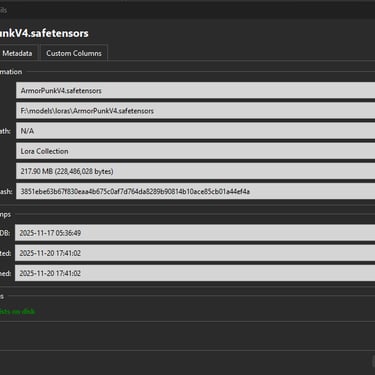
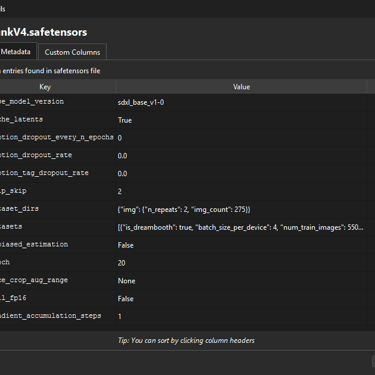

Main informations
All Metadata
fill in your custom columns
TAB - Settings
DataBase
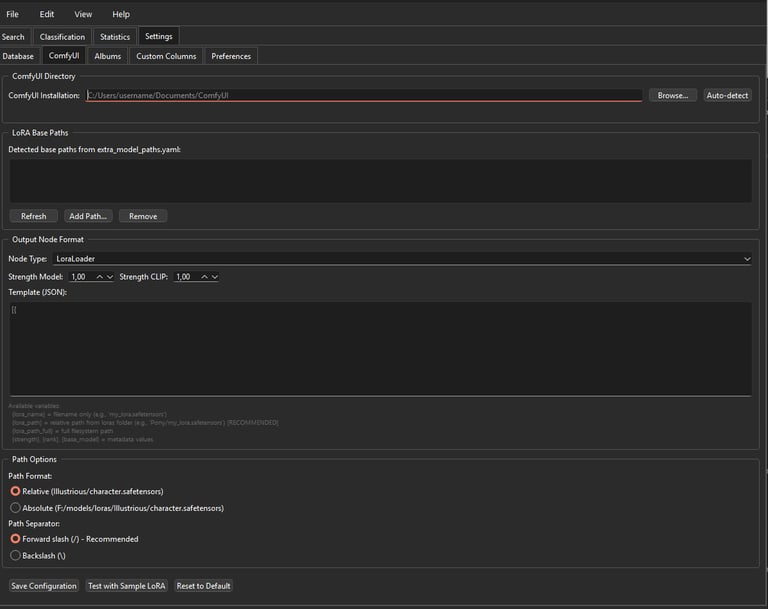
Configuration ComfyUI
The application retrieves the paths where the LoRA are located. An automatic mode finds the information on its own.

Album creation
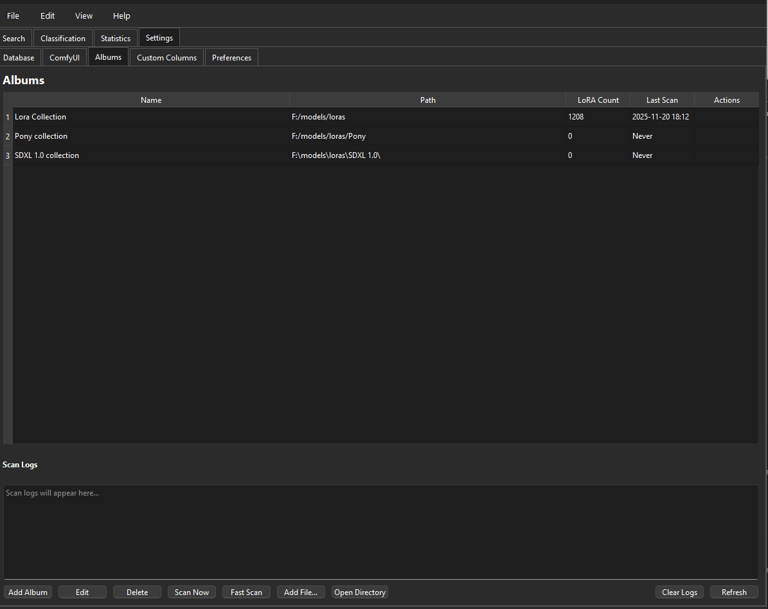
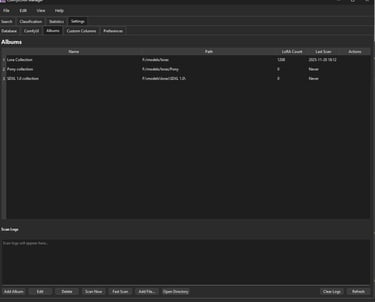
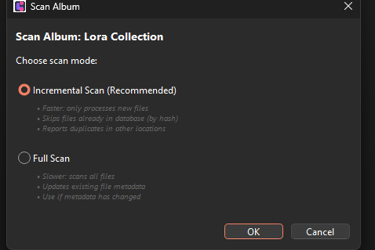
Create albums to organize or respond to a specific organization. Run a quick or complete scan (hash) on an album to retrieve all metadata from LoRA files.

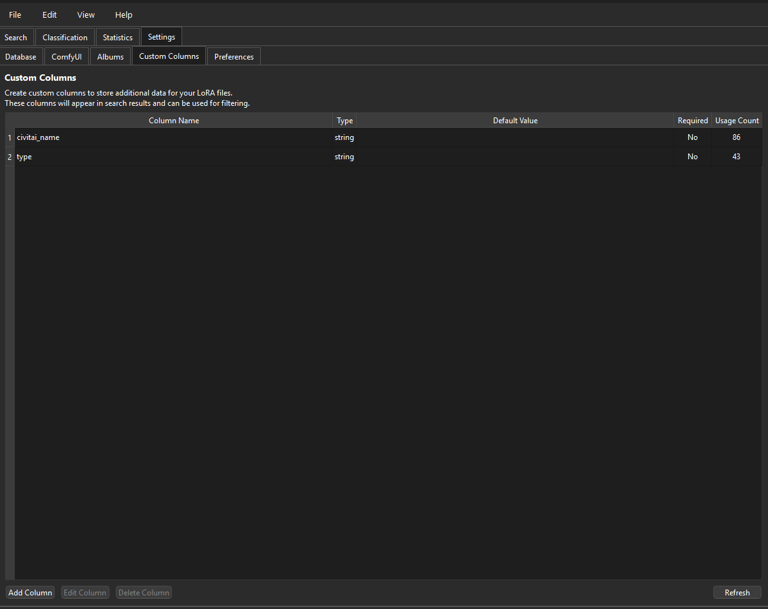
Custom Columns
If you want to create your own indexes, it is possible to add additional columns.
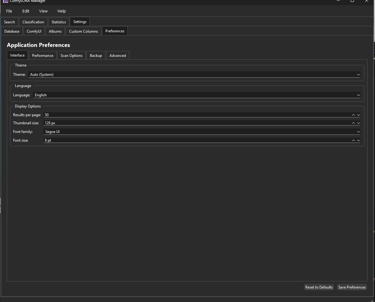
Settings
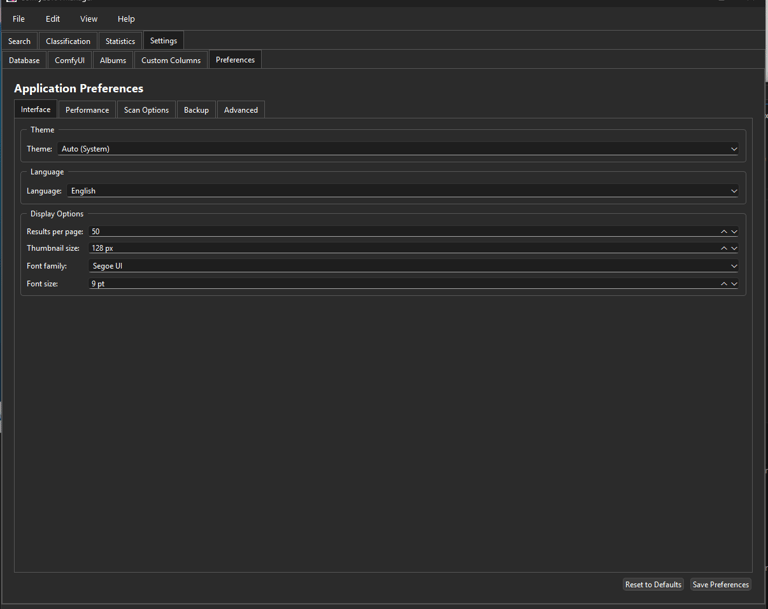
A maximum number of metrics can be configured in this tab :
theme
language (fr, uk)
fonts, sizes, etc.
adjustable performance
configurable scan options
backup scheduling
logs
...